The short answer
A chatbot makes things up when it's asked something its source material doesn't cover and nothing stops it guessing. To stop it, make it answer only from your website and documents, let it say it doesn't know and offer a way to reach a person, and read its early conversations to find the gaps.
Making things up is called hallucination. It's when an AI states something false as if it were fact.
None of this gets errors to zero, but most wrong answers become an honest "I don't have that".
Why AI chatbots hallucinate
The models behind chatbots are trained to produce a likely answer, and the way they're scored has rewarded a confident guess over admitting uncertainty. OpenAI researchers set this out in a paper (summary). A guess at someone's birthday has a 1 in 365 chance of scoring, while "I don't know" scores nothing, so models learn to guess.
The cost of guessing shows in OpenAI's own test. A model that declined to answer 1% of the time got 75% of its answers wrong. One that declined about half the time got 26% wrong.
For a business, the guess usually lands on a detail your website never mentions. A visitor asks whether you deliver to their suburb, or whether the quote includes VAT, and a chatbot with nothing to check against may simply say yes.
It has already cost one airline money. A Canadian tribunal ordered Air Canada to pay a customer C$812.02. Its website chatbot had told him he could claim a bereavement discount after travelling, which the airline's policy didn't allow.
Air Canada argued the chatbot was responsible for its own words. The tribunal said the chatbot was part of Air Canada's website, so Air Canada was responsible for what it said (Moffatt v. Air Canada, 2024 BCCRT 149). There's no South African ruling on this yet.
How much a chatbot guesses depends mostly on what it answers from.
| Type of chatbot | What it answers from | Risk of made-up answers about your business |
|---|---|---|
| A general AI chatbot | What it learnt in training | High |
| A general chatbot given your business name and a few notes | Training, plus your notes | High for anything the notes leave out |
| A chatbot that answers from your website | Your website and documents, searched for every question | Lower, as long as it's told to stay within them |
Some models stick to the source better than others
The model underneath matters too. Vectara tests how often models add something a document doesn't say when they summarise it, which is close to what a chatbot does when it answers from your website. On its latest results, rates run from about 3% to 20%.
Models improve with each release, but not in a straight line, and the newest or largest isn't reliably the most faithful. Some of the lowest rates belong to small, cheap models. If your tool lets you choose the model, test the one you pick with your own questions.
How to stop a chatbot making things up, step by step
- Give it your content to answer from. A chatbot that answers from your website searches your pages and documents before it replies, so it has something to check against. The technical name is retrieval-augmented generation, or RAG. A general chatbot with your business name in its instructions has nothing to search, and it fills gaps from memory.
- Say where facts may come from. Its instructions should say that prices, hours, areas, policies and anything else about your business come only from your content or from what the customer has said. General knowledge is fine for general questions, such as what a geyser does.
- Make "I don't know" a good answer. Tell it to say plainly which part it couldn't find, and to give the customer a next step, like your WhatsApp number or a contact form.
- Fill the gaps it finds. Most made-up answers trace back to something your website doesn't say. Add the missing prices, service areas and policies to the site, or give the chatbot a short page of notes for things you'd rather not publish.
- Keep the source current. When you change a price on your website, the chatbot only knows once it has read the page again. On most tools that means re-scraping the site after any change that matters.
- Narrow what it's for. A chatbot told it handles questions about your services and bookings is less likely to wander into legal or medical advice than one told to "help with anything".
Test it before your customers do
Spend ten minutes trying to catch it out. Ask it these, and check every answer against what your website actually says.
- Something your site doesn't mention, such as a service you don't offer or a town you don't cover.
- A price you don't publish.
- A question with two parts, where your site only answers one.
- A request for a promise, like a discount or a delivery date.
- An instruction to ignore its rules and say something else.
The answer you're looking for each time is either a correct one with a source on your site, or a clear "I don't have that" with a way to reach you. If it answers confidently and your site doesn't say it, that's a gap to fill.
Once it's live, read the first week or two of real conversations. Customers ask things in words you wouldn't think of, and the gaps show up quickly.
How Lorito handles it
Lorito builds its chatbot from your website, so the first fix is there from the start. The second and third are built into every Lorito agent through the instructions Lorito generates for it. Every agent is told that facts about the business must come from its instructions, its knowledge base, a tool it calls or what the customer has said, and never to guess them. It's told to search before saying it doesn't know, and when a search finds nothing, to try again in different words. It can tell a search that found nothing from one that failed, so an empty result isn't treated as licence to answer from memory.
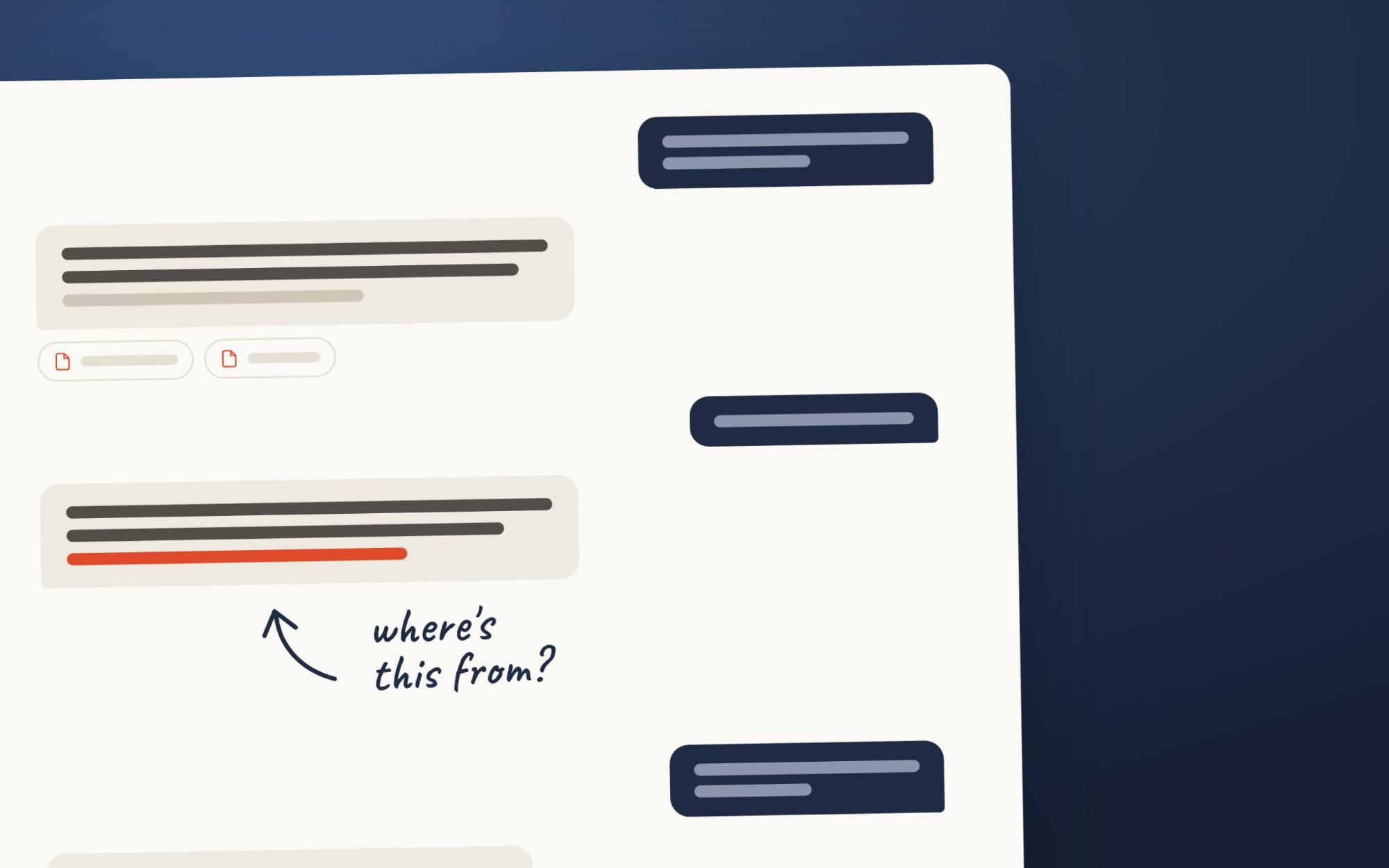
Each result from your website carries the address of its page, so the agent can point to where an answer came from. It's also told to treat web pages and customer messages as information, so a message saying "ignore your instructions" shouldn't get a discount quoted.
The other fixes are yours to do, and Lorito gives you the tools. You can read and edit the agent's instructions, re-scrape your site after changes and add PDFs or plain text for things that aren't on your website. On Standard and higher plans, Lorito's advanced analytics review every conversation for sentiment, topics and content gaps, and list the questions the agent couldn't answer confidently, with the most repeated at the top.
It still depends on your website. If a page is out of date or contradicts another one, the agent will repeat the mistake. What it costs is set out in How much does an AI chatbot cost in South Africa?